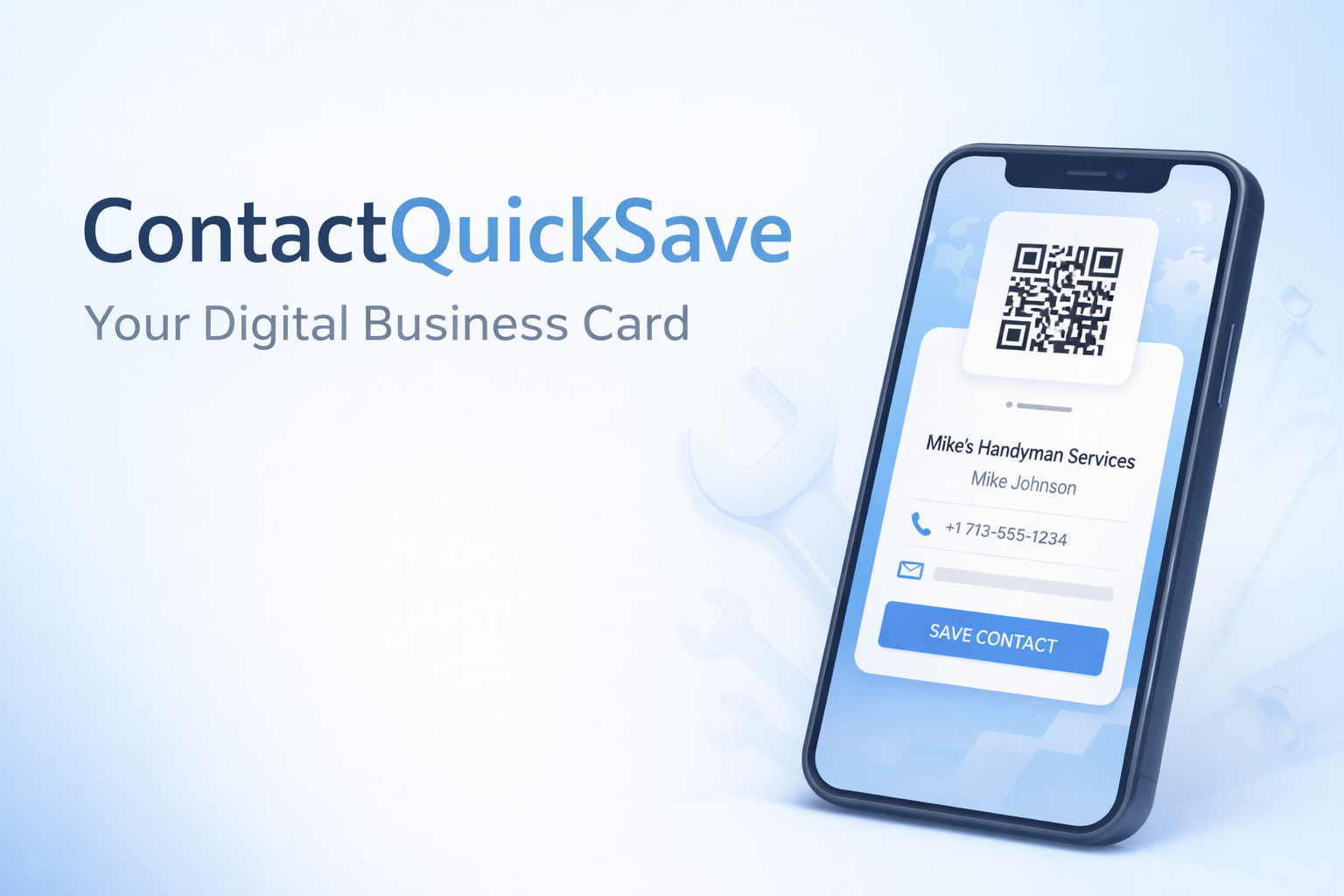
Stop losing customers after you give them your number.
ContactQuickSave gives you a simple QR contact page so customers can save you in their phone in seconds — no app, no typing, no “I’ll do it later.”
Most “digital cards” try to get people to call immediately. This is different: it’s built to get you saved — so you get the callback later.
The simple reason this works
People don’t “remember” a phone number. They misplace business cards. They remember what’s saved in their contacts. Your QR makes saving you effortless.
See it in action
This is what the customer scans to create a contact instantly!
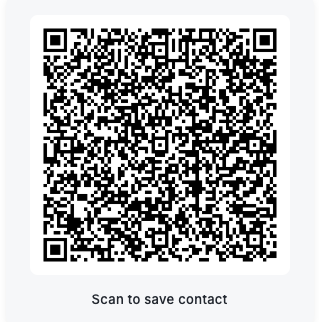
Tip: Put the QR on your phone screen, truck, yard sign, or Nextdoor post.
Get saved instantly
Customers scan your QR and tap Save Contact. Done.
Perfect for referrals
“Hey, who did your fence?” → They pull you up in contacts and share your card.
Looks professional
Logo, services, service area, photos — it feels legit without being a full website.
“After I started sharing my ContactQuickSave page, people actually saved me as a contact. I got more callbacks and more repeat work — especially from referrals.”
Marcus Erickson — Local Handyman“This replaced our paper business cards. We just show the QR on our phone and it’s saved right away. Way easier than spelling out my email or hoping they don't lose my card.”
Steven White — Trade ContractorGet yours in 3 steps
- Complete the quick setup form (2–3 minutes).
- I send you your live link + QR files the same day.
- Save it on your phone and you are ready to give your information out to customers!
- One time setup fee
- Mobile QR contact page + shareable link
- Services + service area
- Simple web page for your business
- Includes free updates within first 14 days.
- Everything in Individual Plan
- Additional fields available for cards
- Upload your business logo
- Ask-for note (e.g., Service Manager)
- Up to 5 cards for indivdual employees
Frequently Asked Questions
Quick answers to common questions. Still need help? Contact us below!
Once you fill out the form with your information, we will set up your personalized contact page and QR code, then send you the link.
You can add this to your home screen on your phone so it's easy to launch and share with your customers.
Your customers can scan the QR code (usually with their camera app) and this will create a contact in their phone's address book with all your information — name, phone, services, and more. No typing, no apps required!
For iPhone (Safari):
- Open your ContactQuickSave link in Safari
- Tap the Share button (square with arrow pointing up)
- Scroll down and tap "Add to Home Screen"
- Name it and tap "Add"
For Android (Chrome):
- Open your ContactQuickSave link in Chrome
- Tap the three-dot menu (⋮) in the top right
- Tap "Add to Home screen"
- Name it and tap "Add"
Now you can open it like an app and show customers your QR code instantly!
No problem! Just email us at support@contactquicksave.com with the corrections you need.
Updates to your contact information are included free within the first 14 days. After that, minor updates are still free — we just ask that you send them all at once when possible.
Absolutely! As your business grows or changes, you can update your services list anytime.
Just send us your updated list at support@contactquicksave.com and we'll update your page. Updates are free within the first 14 days, and we're happy to make reasonable changes after that too.
Yes, you can deactivate your page at any time. Just contact us at support@contactquicksave.com and let us know.
We'll take your page offline within 24 hours. If you decide to reactivate it later, just reach out — we keep your information on file.
Yes! Many of our customers use their ContactQuickSave page as their only web presence, especially for local trades and service businesses.
It includes everything customers need: your contact info, services, service area, and photos. You can share the link on Facebook, Nextdoor, business cards, truck signage — anywhere you'd normally put a website URL.
If you want a custom domain (like yourname.com), contact us — we can help set that up for an additional fee.
Questions? We're here to help!
Want more information before you buy? Need a custom solution or have questions about setup?
Drop us a message and we'll get back to you quickly — usually within a few hours.
About ContactQuickSave
Built by Marcus Erickson, a local handyman who got tired of losing customers because they didn't save his contact info.
This started as a personal solution and grew into a simple service for trades and local businesses who want to make it effortless for customers to save their contact — and call them back later.